Print
How to Finalise a Redacted Document
When the redaction is complete, click on the Finalise button on the eCase Redact toolbar. You are provided with an option to allow the redacted document for public release or not.
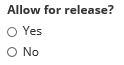
- Select Yes if you have finished and you would like eCase Redact to generate a secure PDF that conforms to the National Archives standards.
- Select No if you:
- have finished, but would like to keep the document as deny public release so that internal quality checks can be performed prior to the document being allowed for public release.
- have partially redacted the document, and you would like others to continue redacting the document.
The redaction finalisation progress bar can be seen when you return to eCase.

While this document is finalising, it cannot be added to a QA/Contribution or a Response. However, you will be able to see the finalisation progress bar on these screens. Once the finalisation is complete, the document will be available to select.
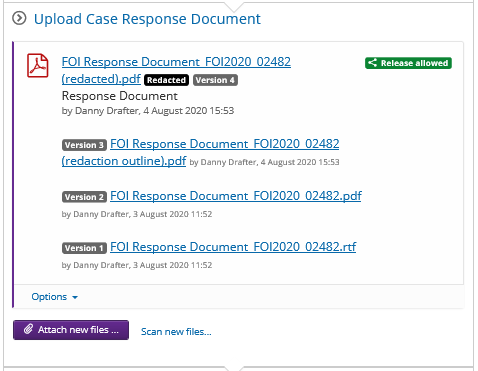
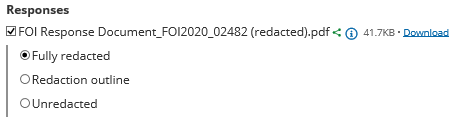
By default, the redacted document is the latest version. Click on the Options drop-down arrow to download the unredacted or redaction outline versions of the document.