
Print
Report Info
From the Report Info column, click on the name of the report to view the Run History.
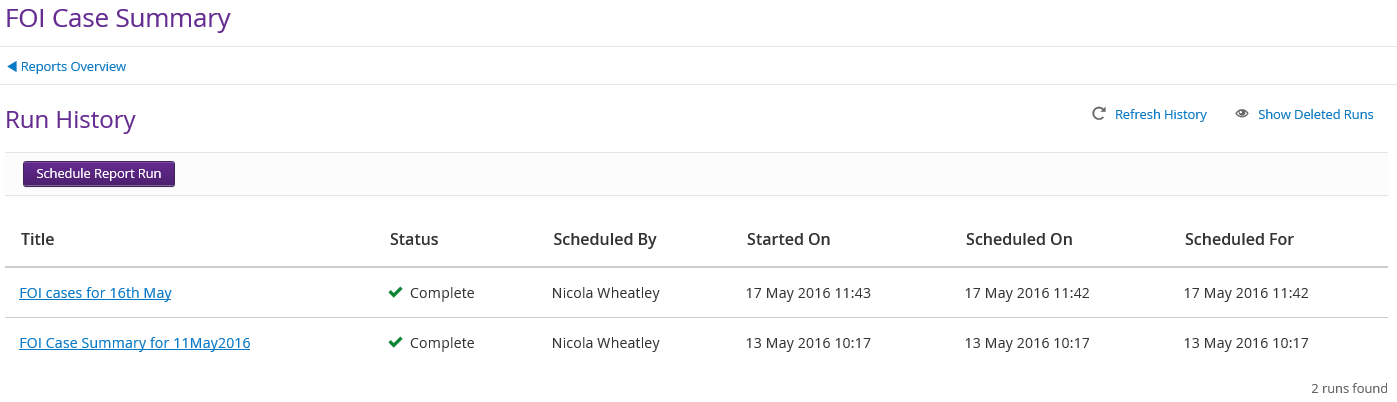
| Field | Description |
| FOI Case Summary | Name of the report you are in. |
| Schedule Report Run | Click on the Schedule Report Run button to create new parameters for the report and schedule a run time for the new report. |
| Title | Name of the report from the Title field in the schedule report run screen. |
| Status | Will provide a summary of the run status. For example:
|
| Scheduled By | Name of the user who has scheduled the report to run. |
| Started On | The time the report started to run. |
| Scheduled On | The date and time the report was scheduled to run on. |
| Scheduled For | The date and time the report was/is scheduled to run. |
| Refresh History | Click on the Refresh History link to refresh the Status of reports that are currently being run. |
| Show Deleted Runs | Click on the Show Deleted Runs link to view any reports that have been set to delete. |