
Print
Release Ownership (Drafter stage)
As a Drafter, you have the ability to Release Ownership of a case back to all of the drafters in the team. This is releasing the case back to the team of drafters rather than the Reassign button which will enable the Drafter to select one person to assign the case to.
To Release Ownership, follow the steps below.
- Click on the Manage
- On the Create Draft tool bar select the Release Ownership button. A warning message appears to ask if you would like to release ownership of the case.
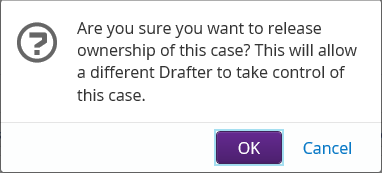
- Click on the OK