Print
Search for people
When you access the People screen, you can search and access people in a number of ways.
- Go to the More menu and select People under the Settings section.
- Find the person you would like to view or manage their user account.
If you would like to… Then… Search for an individual Type their full/partial name or their email address in the Name / Email field and select the Search button. The list of matching names will appear. Search for people within a team To view the people in a specific team, select the Team drop down arrow and select the Search button. The list of team members will appear. Search for people who have a specific role Select the Role drop down arrow and select the relevant role. Select the Search button to produce the list of team members who have this role assigned to their user account. Search for people who have a specific privilege on their user account Select the Privilege drop down arrow and select the relevant privilege. Select the Search button to produce the list of team members who have this privilege assigned to their user account.
Search for people with a specific account status Select the Account Status drop down arrow and choose the relevant Status.
Select the Search button to produce the list of team members with this account status.Search for last login Select the first Last Login calendar icon and choose the start date for your search. You can then select the second calendar icon and choose an end date. Leave this field blank for the search to include results up to the current date.
Select the Search button to produce the list of team members that have logged in within the time frame specified.
TIP multiple search criteria can be used to find people. For example, select Team and Role to find all people with that role in the chosen team. - To access the user account for that team member,
click on the name of the person. Their
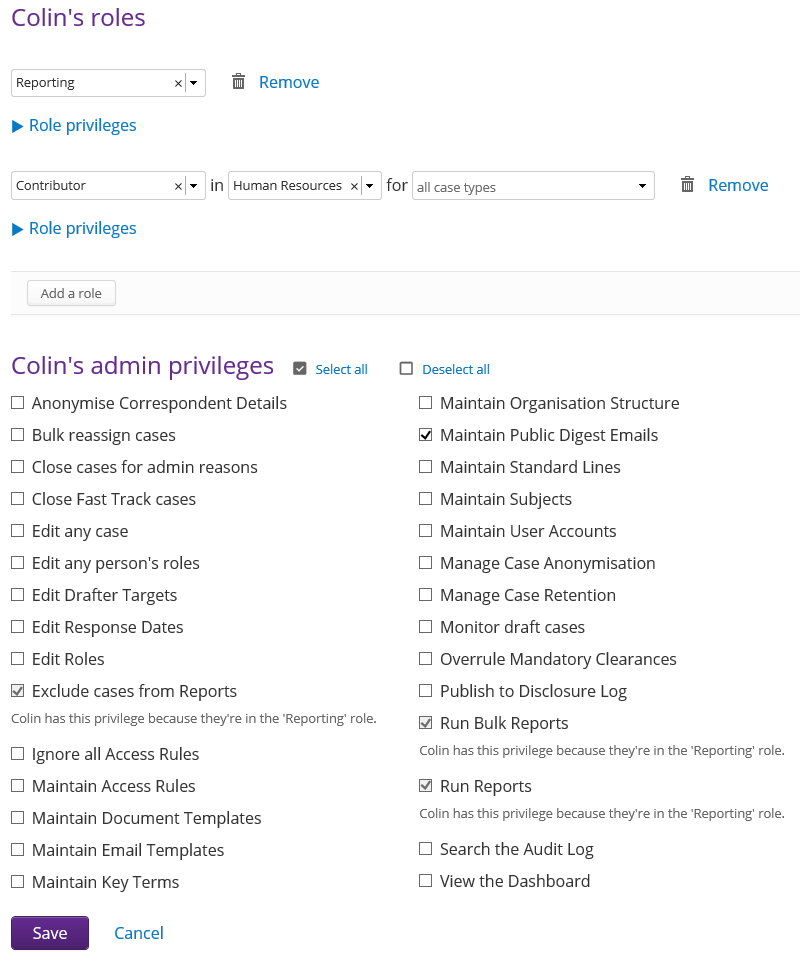
roles and privileges will be available on the screen.