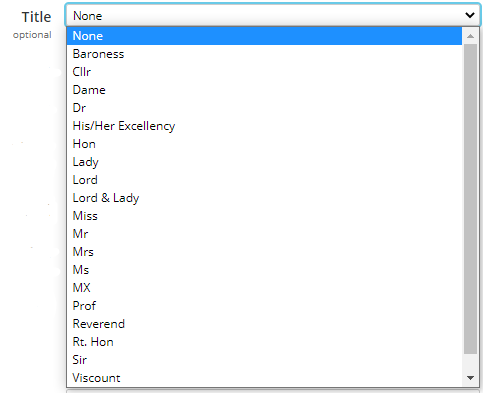
Field Value Options
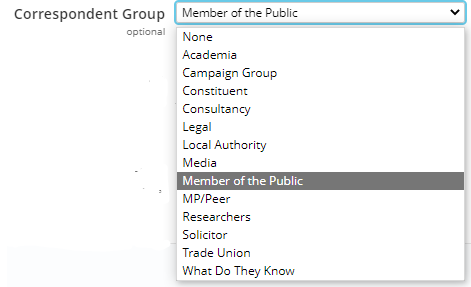
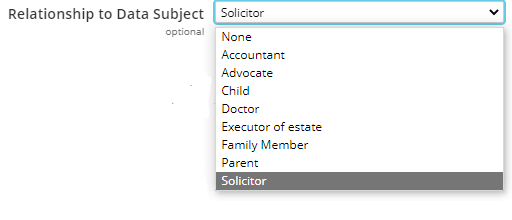
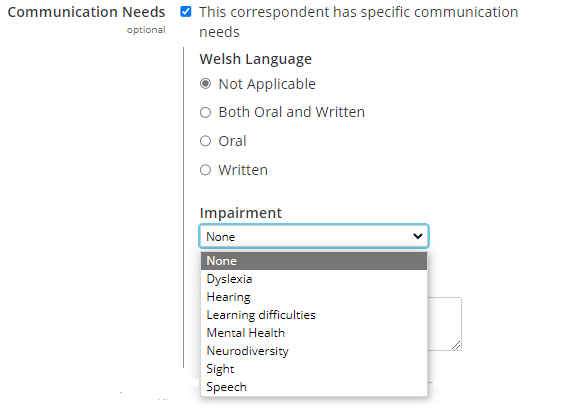
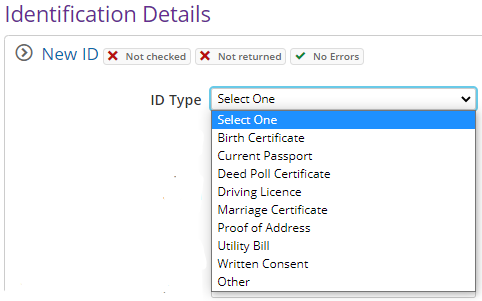
The Field Value Options feature is used to quickly add information to eCase so that relevant options are available in the drop-down list on key fields. With the ability to create, edit, reorder and remove unused options from these drop-down lists, a key user with the Manage Field Value Options privilege can make sure eCase is customised to have the relevant options in these drop-downs, to match internal terminology and requirements. Resulting in increased consistency, fewer mistakes when adding information to case details, better reporting and removing the need to contact eCase Support for this customisation to be updated in a release.

The eLearning module will open in a new internet window.
- Field Value Options (duration = 6 minutes)
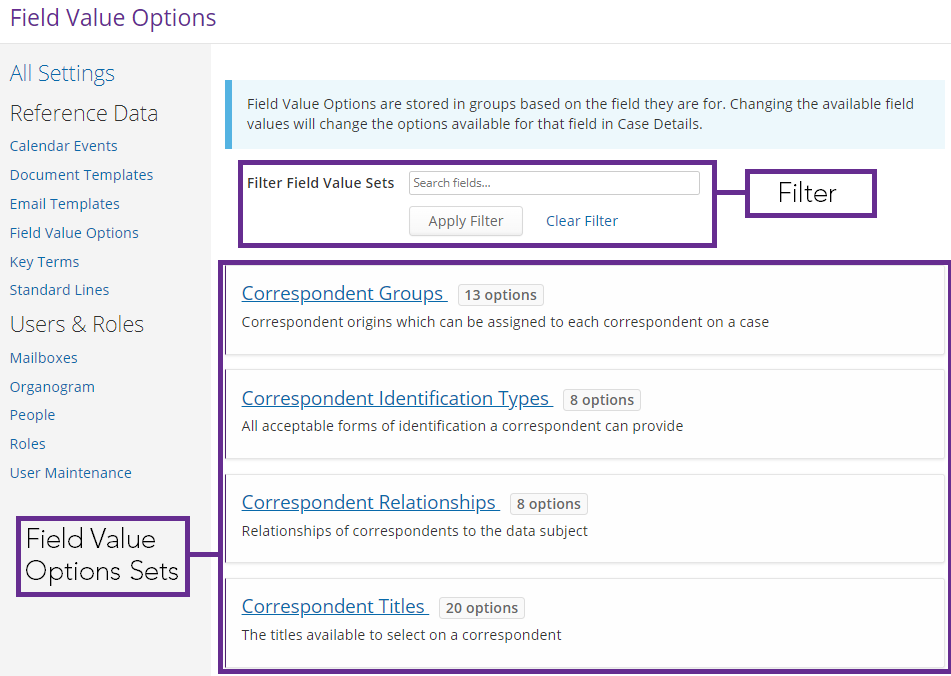
To access Field Value Options in eCase, go to the More menu and select the Field Value Options link under the Settings section. The Field Value Options screen will appear.
|
Field |
Description |
||||||||||||||||
|
Filter Field Value Sets |
To reduce the list of Field Value Option sets on the screen, use the Filter Field Value Sets field. Type in a word from the relevant Field Value Set title and select
the
Apply Filter button. This will reduce the list shown on the screen making it easier to view and amend.
|
||||||||||||||||
| Field Value Options Sets | There are a number of Field Value Option sets available on eCase. The ones you see will be based on your case type setup.
|