Print
Case Options
Case Options provides you with the option to exclude an individual case from a report, prevent a case from being deleted or anonymise case details. There are three options that are available on the Case Options screen:
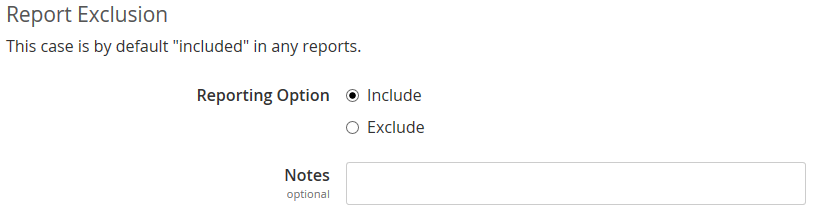
- Report Exclusion - by default the case will always be included in any reports that are run. If you would like the case to be excluded from reports, click on the Exclude radio dial and enter a comment, if required, in the Notes field. A user will need the Exclude cases from Reports privilege on their user account in order to exclude cases from reports.
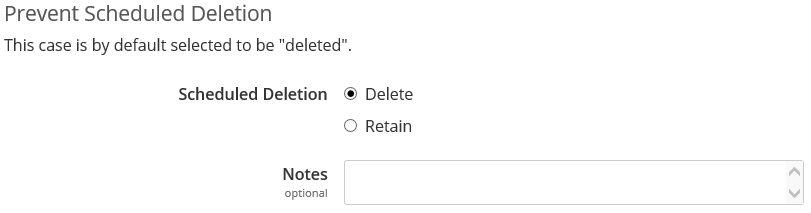
- Prevent Scheduled Deletion - all cases by default are selected to be deleted. If you do not want an individual case to be deleted, you can click on the Retain radio dial. The case will then be retained if scheduled or manual deletion is performed. A user will need the Manage Case Retention privilege on their user account in order to prevent an individual case from being deleted.
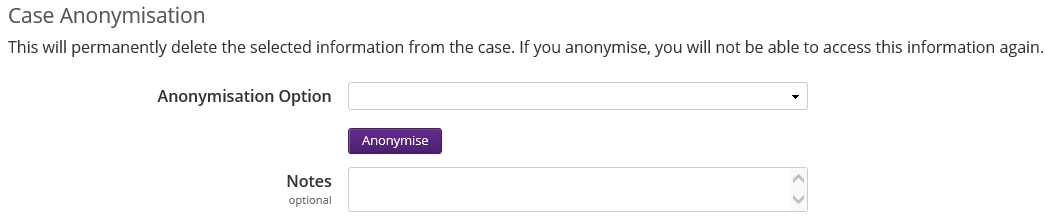
- Case Anonymisation - if the user has the Anonymise Correspondent Details privilege on their user account, this section will become active. It will allow the user to anonymise contact details, case notes, correspondent notes, email responses and documents.