
How to respond to a contribution request
As a contributor, you will be asked to provide information on cases that have been assigned to you. These requests will be emailed to you, with two links, one for viewing the case, the other for responding to the contribution request.

- How to register on eCase to reply to a contribution request using eCase (Duration = 9 minutes)
- How to respond to a Contribution using eCase via the Respond to this contribution request link (Duration = 11 minutes)
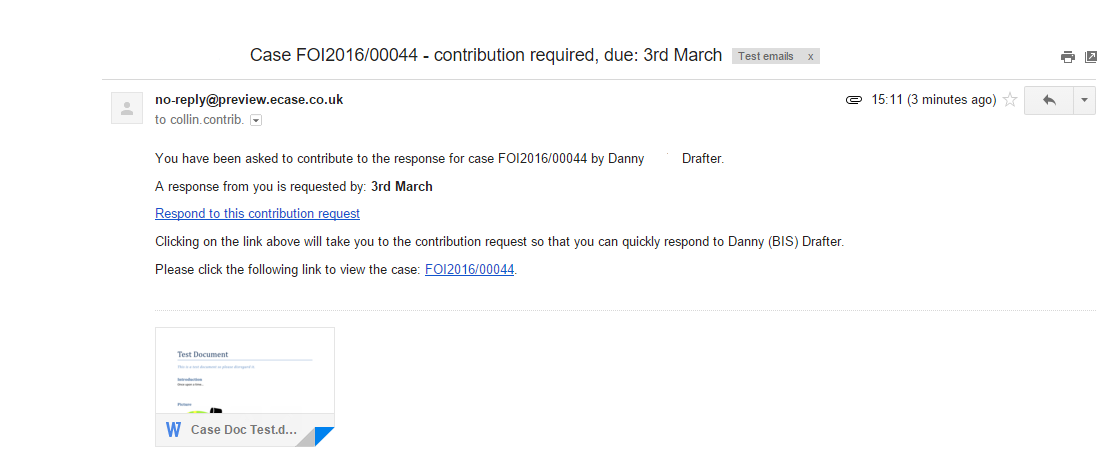
NOTE The email text may vary depending on whether the Standard Request for Draft and Standard Request for Information email templates were used, or whether additional email templates have been added to your system. This screen and following details are based on the Standard Request templates.
If you have to respond to a contribution, but do not have quick access to eCase, you can also Reply to All on the email and your response will be attached to the contribution. A copy of the email will also be available in the Documents section and an email will be sent to the Drafter with a copy of your response attached to it.