
Print
How to respond to a Quality Assurance request
As part of the process flow, you may be asked to provide a quality assurance check (QA) on cases. If the Standard Quality Assurance Request email template is used, then these requests will be emailed to you, with three links:
- Approve this draft response - use to approve the response to the case.
- Reject this draft response - use to reject the response to the case, make amendments, add an amended document or request further feedback and comments.
- A link to view the case details - eg FOI2016/00044
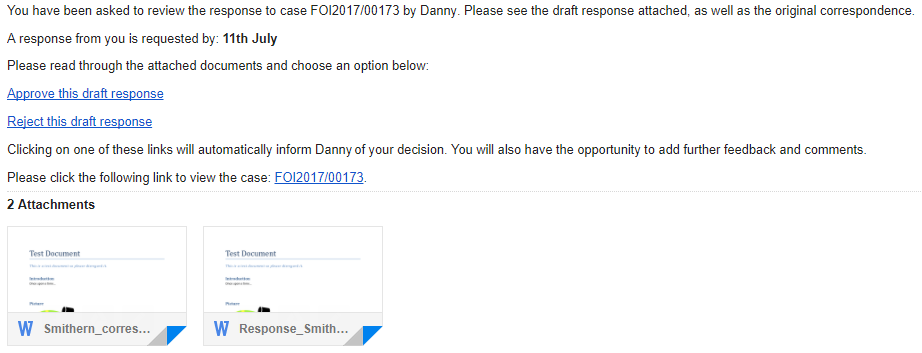
You can respond to the request by selecting the Approve or Reject link on the email.
NOTE If the Standard Quality Assurance Request email template is not used, then these links may differ.